When I first decided to pivot from the predictable world of financial analysis to launching my own culinary brand, I hit a massive roadblock: my vision was beautiful, but my bank account was not ready for a professional creative agency. I knew I needed high-quality visuals to tell my story, but the cost of premium software felt like an insurmountable barrier to my dream. It’s a struggle I see so many aspiring entrepreneurs face—that frustrating gap between having a big idea and having the budget to make it look professional. Finding the best free design tools isn’t just about saving a few bucks; it’s about democratizing creativity so that your passion doesn’t get sidelined by a price tag.
In this post, I’m pulling back the curtain on the exact resources I used to build my brand’s aesthetic without draining my startup capital. I’ve curated a list of five game-changing platforms that will help you create stunning graphics, logos, and social media content that look like they cost a fortune. Get ready to level up your visual game and discover how you can present your passion to the world with total confidence.
Table of Contents
- The All-in-One Magic of Canva
- Pixlr for Quick Photo Fixes
- Unsplash for Stunning Visual Inspiration
- CapCut for Engaging Video Stories
- Adobe Express for Polished Branding
- Final Thoughts: Investing in Your Vision Without the Price Tag
- The Bottom Line on Creativity
- Designing Your Future on a Budget
- Frequently Asked Questions
The All-in-One Magic of Canva
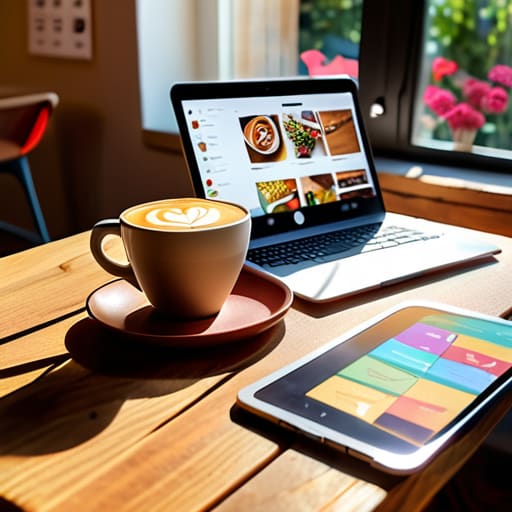
When I first started sketching out ideas for my food brand, I was completely intimidated by professional design software. I remember staring at a blank screen, feeling like I needed a degree just to move a square around. Then I discovered Canva, and honestly, it felt like a total game-changer for my creative confidence. It’s perfect for those of us who need to whip up a beautiful Instagram post or a menu layout without spending hours in a formal training seminar.
Pixlr for Quick Photo Fixes
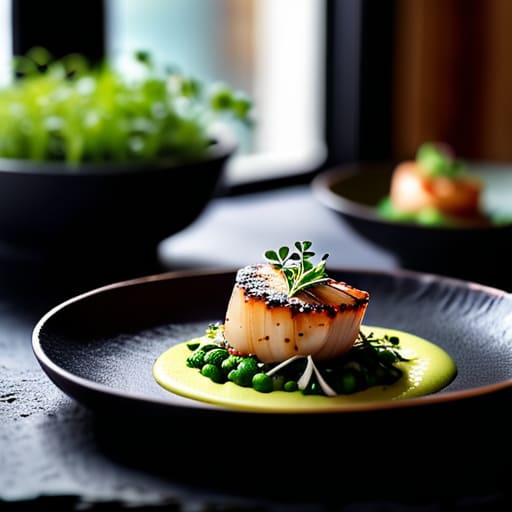
In the culinary world, we all know that people eat with their eyes first. If my plating isn’t looking its best, no amount of seasoning can save the photo! I used to think I needed a high-end studio setup, but Pixlr has become my secret weapon for making my dishes pop. It’s a web-based editor that gives you those essential retouching tools without the steep learning curve of more heavy-duty programs.
Unsplash for Stunning Visual Inspiration
Sometimes, you just can’t take the perfect photo yourself—maybe you’re in the middle of a busy launch or you just need a beautiful background for a blog post. This is where Unsplash has become an absolute lifesaver for me. It’s a treasure trove of high-resolution, professional photography that is completely free to use. It’s like having a personal library of art right at your fingertips.
CapCut for Engaging Video Stories
Let’s be real: video content is king right now, especially when you’re trying to show off the sizzle of a pan or the drizzle of a sauce. When I transitioned from spreadsheets to stovetops, I realized I needed to master the art of the “food reel.” CapCut has been my go-to because it makes video editing feel surprisingly approachable and, dare I say, actually fun.
Adobe Express for Polished Branding
If you’re looking to take things just a tiny step up in terms of sophistication, Adobe Express is a wonderful middle ground. It offers a bit more of that designer-level polish while still remaining incredibly user-friendly. I find it particularly useful when I want to create something that feels a bit more structured, like a cohesive set of brand assets or a more formal digital invitation.
Final Thoughts: Investing in Your Vision Without the Price Tag
Remember that your creative potential isn’t defined by the cost of your software; some of the most stunning brands were built using nothing but grit and free, accessible tools.
Treat these tools as your “seed money”—by saving on overhead now, you’re preserving the capital you’ll eventually need to scale your passion into a sustainable business.
Don’t get paralyzed by “analysis paralysis”—pick one tool, start creating today, and remember that the best way to learn is by actually doing the work.
The Bottom Line on Creativity
“When I was working in finance, I used to think that you needed a massive capital outlay to build something professional. But transitioning into the food world taught me otherwise: you don’t need a huge budget to launch your passion; you just need the right tools to turn your vision into a reality without draining your savings.”
Rachel Anderson
Designing Your Future on a Budget
Taking that first step toward building your brand or launching a side hustle can feel incredibly overwhelming, especially when you’re staring down a spreadsheet of expenses. But as we’ve walked through, you don’t need a massive capital injection to create something beautiful. From the intuitive layouts of Canva to the professional-grade capabilities of GIMP, these tools prove that resourcefulness is often more valuable than a huge budget. By leveraging these free resources, you’re essentially minimizing your overhead while maximizing your ability to iterate, learn, and grow. Remember, the goal isn’t to have the most expensive software; it’s to use the right tools to bring your unique vision to life without draining your savings before you’ve even begun.
If there is one thing my transition from finance to the culinary world taught me, it’s that the most important investment you can make isn’t in a premium subscription—it’s in your own courage to start. Whether you are designing a menu for a pop-up kitchen or a logo for a freelance consulting business, don’t let the fear of “not having enough” keep you on the sidelines. Use these tools to build your foundation, stay financially disciplined, and keep moving forward. You have the ideas and the drive; now, go out there and create something extraordinary with exactly what you have right now.
Frequently Asked Questions
Are these free tools actually enough to build a professional brand, or will I eventually hit a paywall right when I need them most?
That is the million-dollar question—literally! Honestly, these tools are more than enough to get your feet under you and build a polished, professional brand. You can absolutely launch a side hustle or a new venture without a massive upfront investment. Eventually, as your business scales and your needs get more complex, you might crave premium features. But don’t let that “what if” stop you. Build your foundation first; the budget for upgrades will follow your success.
As someone coming from a non-creative background, which of these tools has the shallowest learning curve for a total beginner?
Honestly, if you’re coming from a world of spreadsheets and balance sheets like I did, Canva is going to be your absolute best friend. It’s incredibly intuitive—think of it more like playing with digital stickers than learning complex software. You don’t need to master layers or vectors to make something look professional; you just drag, drop, and go. It’s the quickest way to get those creative juices flowing without the technical headache.
Can I use the designs I create with these free versions for my own business or side hustle without running into copyright issues?
This is such a smart question—and honestly, one I wish I’d asked more often back when I was crunching numbers instead of costing out recipes! Generally, yes, you can use these designs for your side hustle, but always double-check the specific “Terms of Use” for each tool. Some free tiers allow commercial use, while others are strictly for personal projects. Just a quick scan of the fine print can save your business (and your peace of mind) later!